Project
Overview#
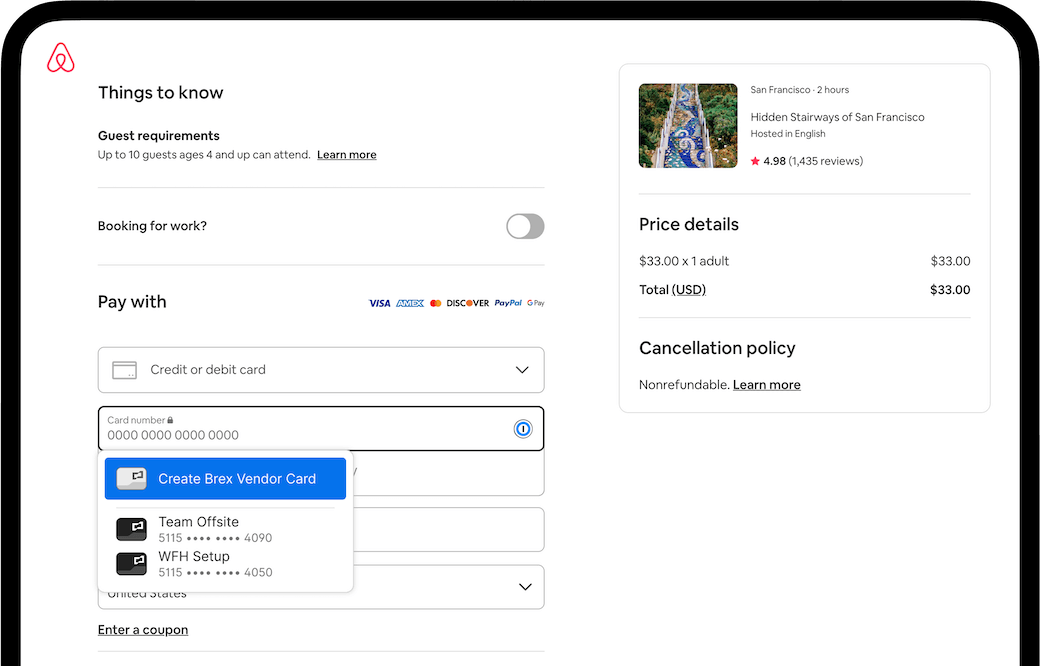
Paying online with a company card often means leaving checkout to find the right card in Brex. Our 1Password integration lets customers choose a card, fill in its details, or create a new virtual card without leaving the purchase.[1]
Choose a card and check out#
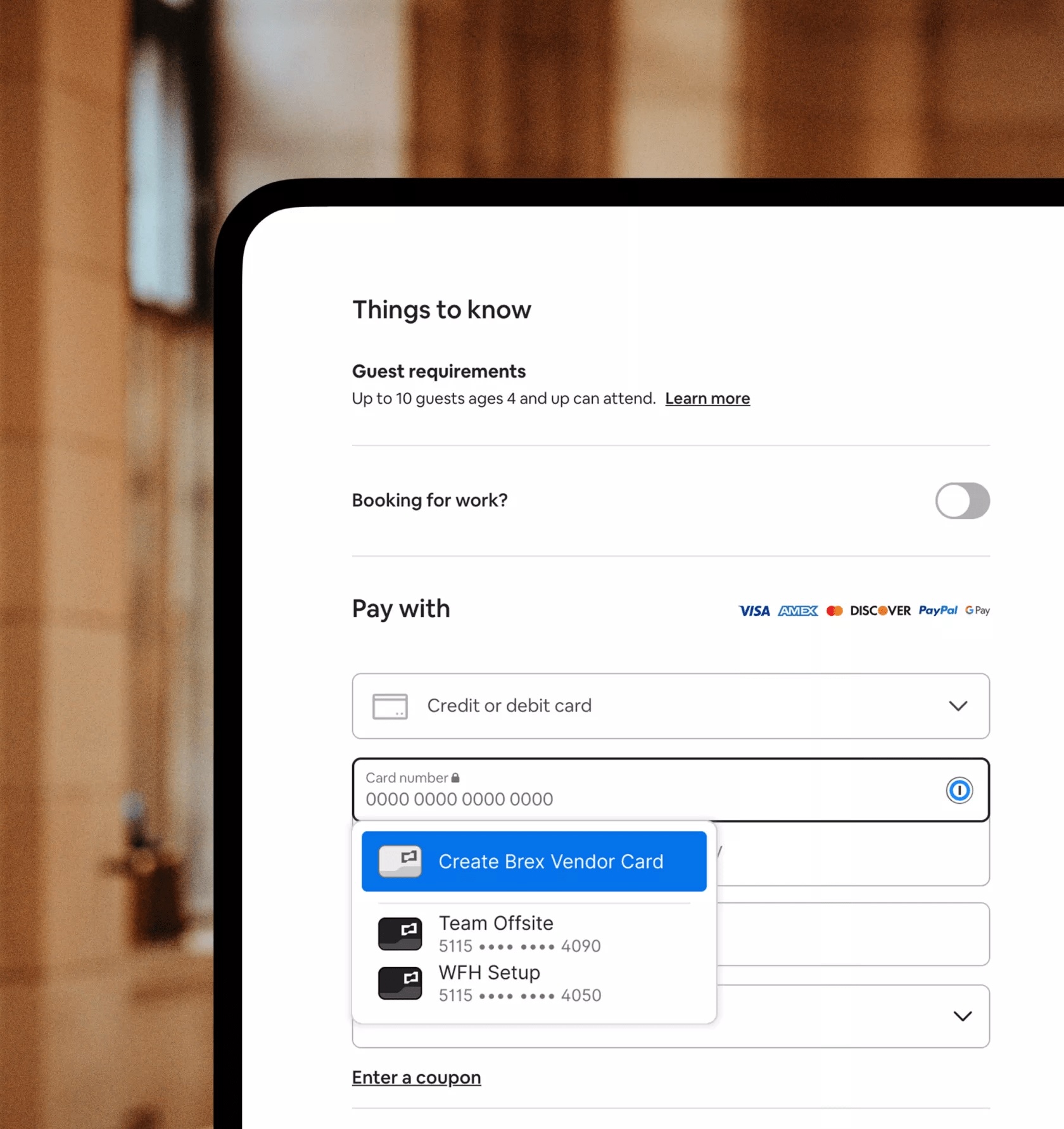
Connecting Brex creates a dedicated vault in 1Password, with corporate cards added automatically. At checkout, customers can choose the card for their purchase and autofill the payment details, without signing into the Brex dashboard.
Create a card when you need it#
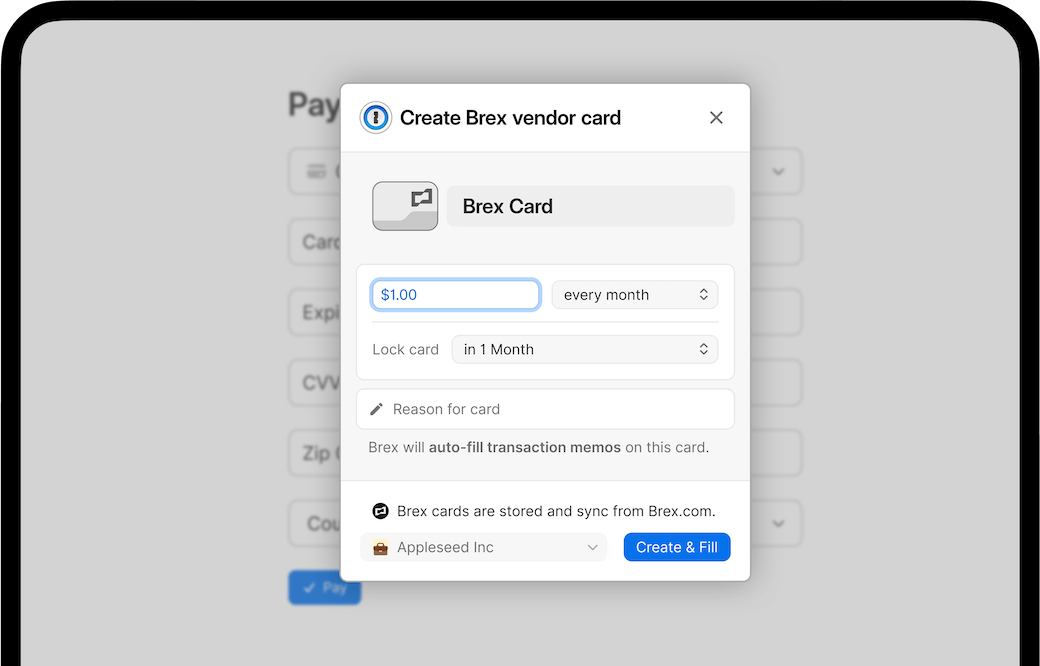
If a purchase needs its own card, admins can create one directly from the checkout form. They can name it for the vendor, set a monthly, yearly, or lifetime spending limit, and choose when it expires. That makes it possible to set up a card for a new subscription or a one-off purchase while keeping control of its budget.